OnAir Companion
Your airline, always within reach. Built to sit alongside your simulator — the Companion keeps your company live, your flights tracked, and your missions ready without the browser.
Which Linux file?
Same account, same company
Your data lives on the OnAir servers. Switch between the Companion and the regular client anytime — same flights, same balance, nothing to migrate.
Safe to use on your real company
The Open Beta is fully supported. If something goes wrong, we step in just like for the final app. No special precautions needed.
Growing with regular updates
New features move into the Open Beta on a regular basis, installed automatically. You're always on the latest version.
Two clients, one backend
Feature not yet in the Companion? Open the regular client — both work hand in hand throughout the beta.
Screenshots
‹
›
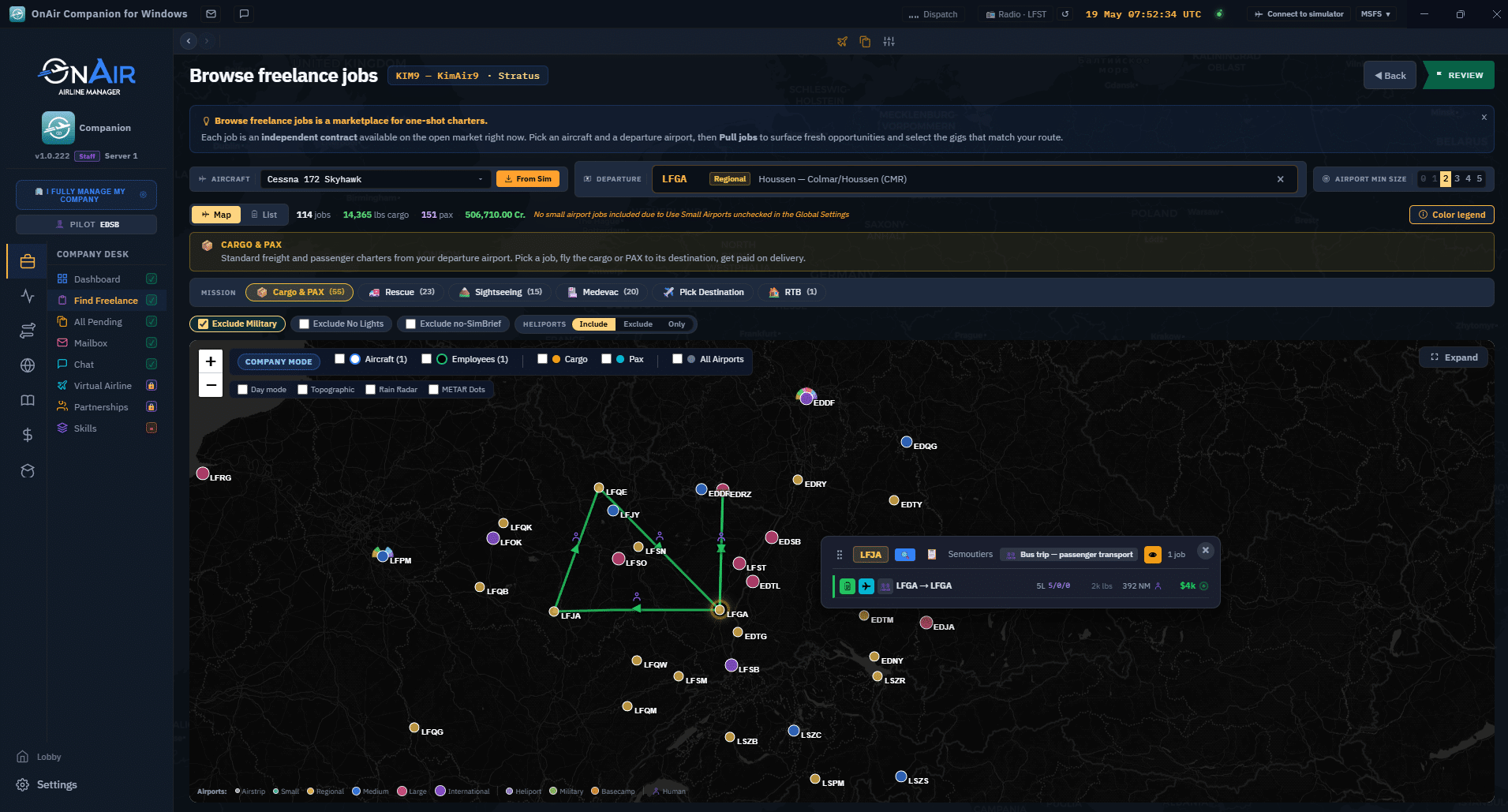
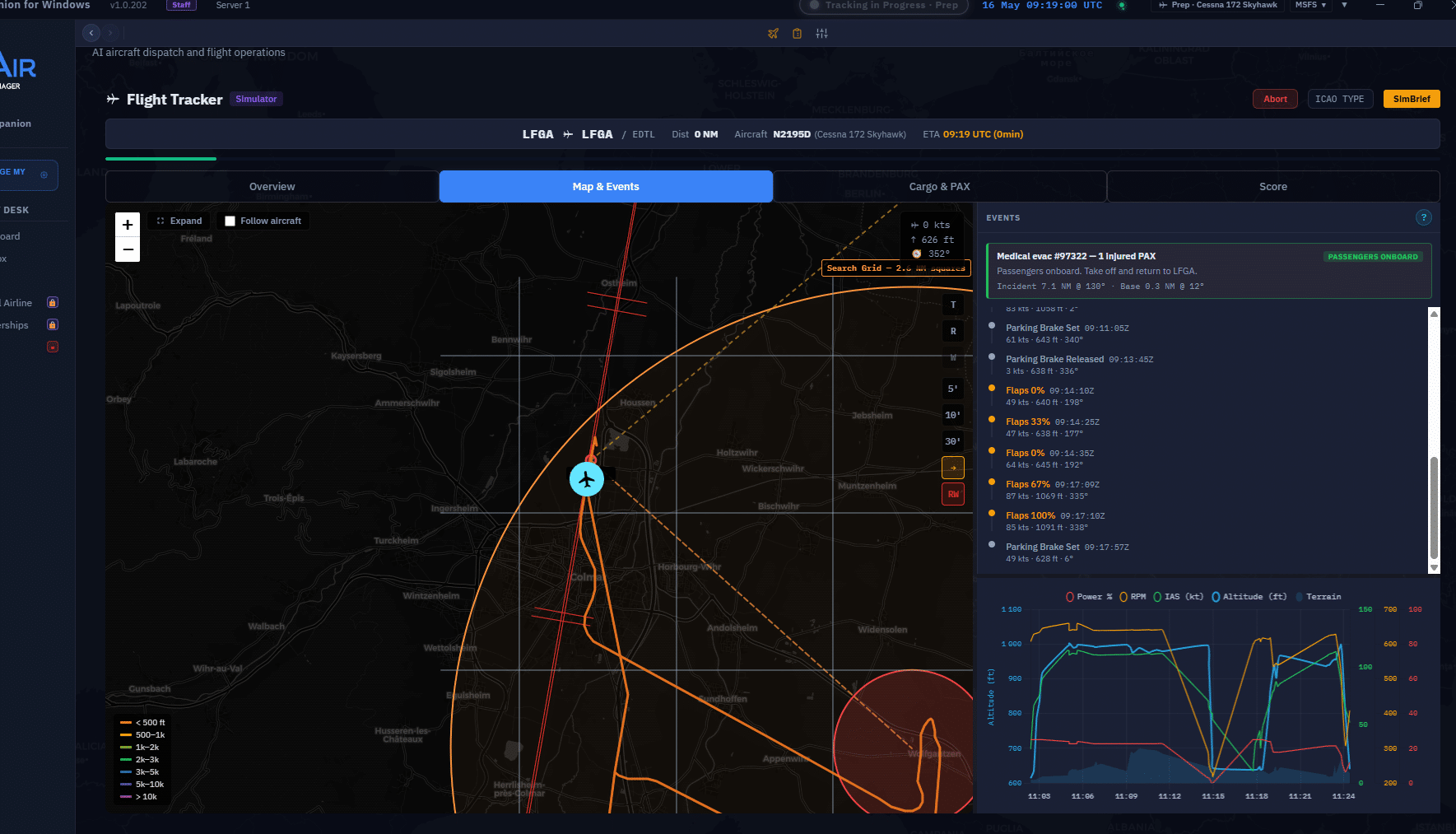
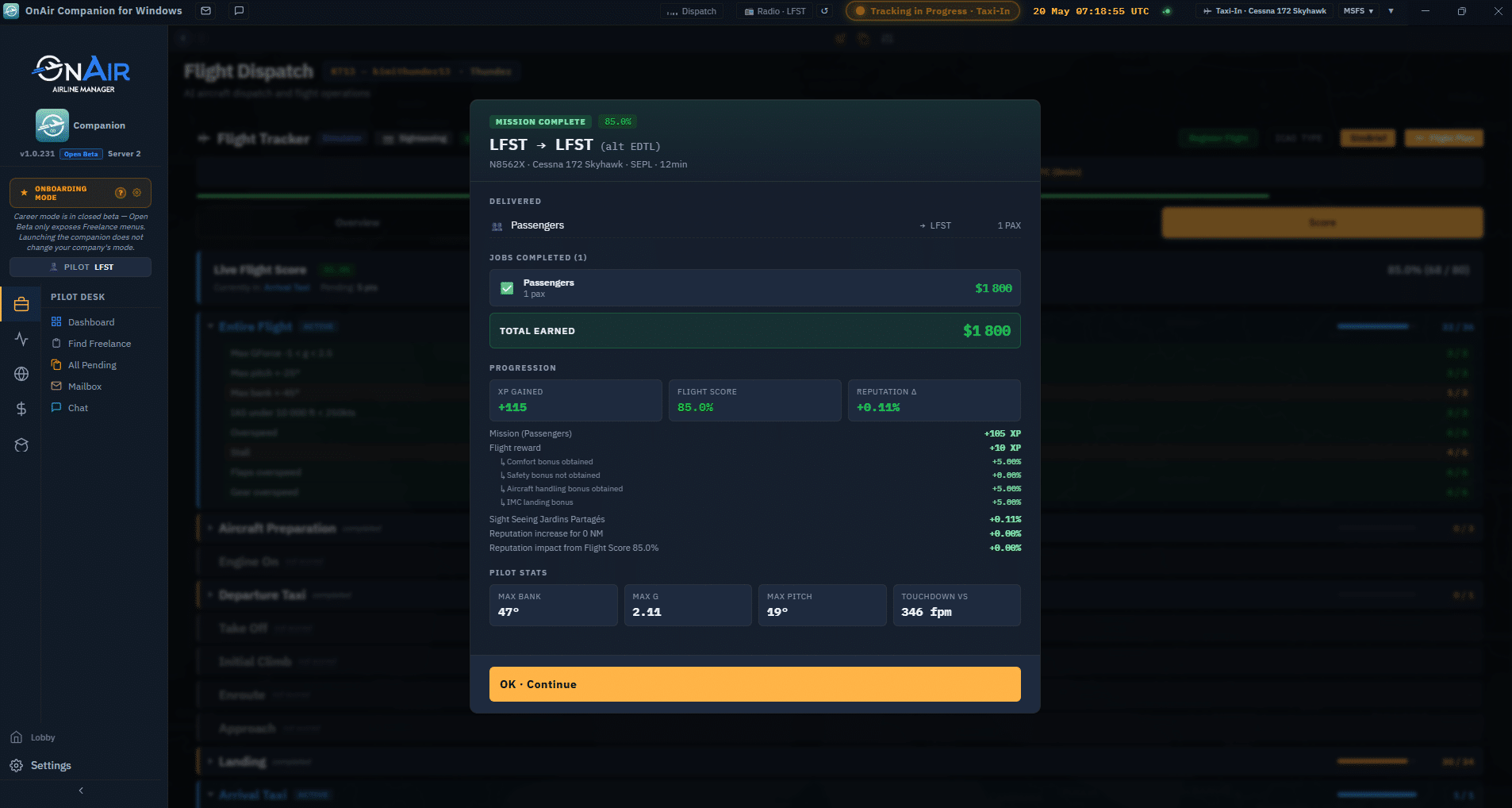
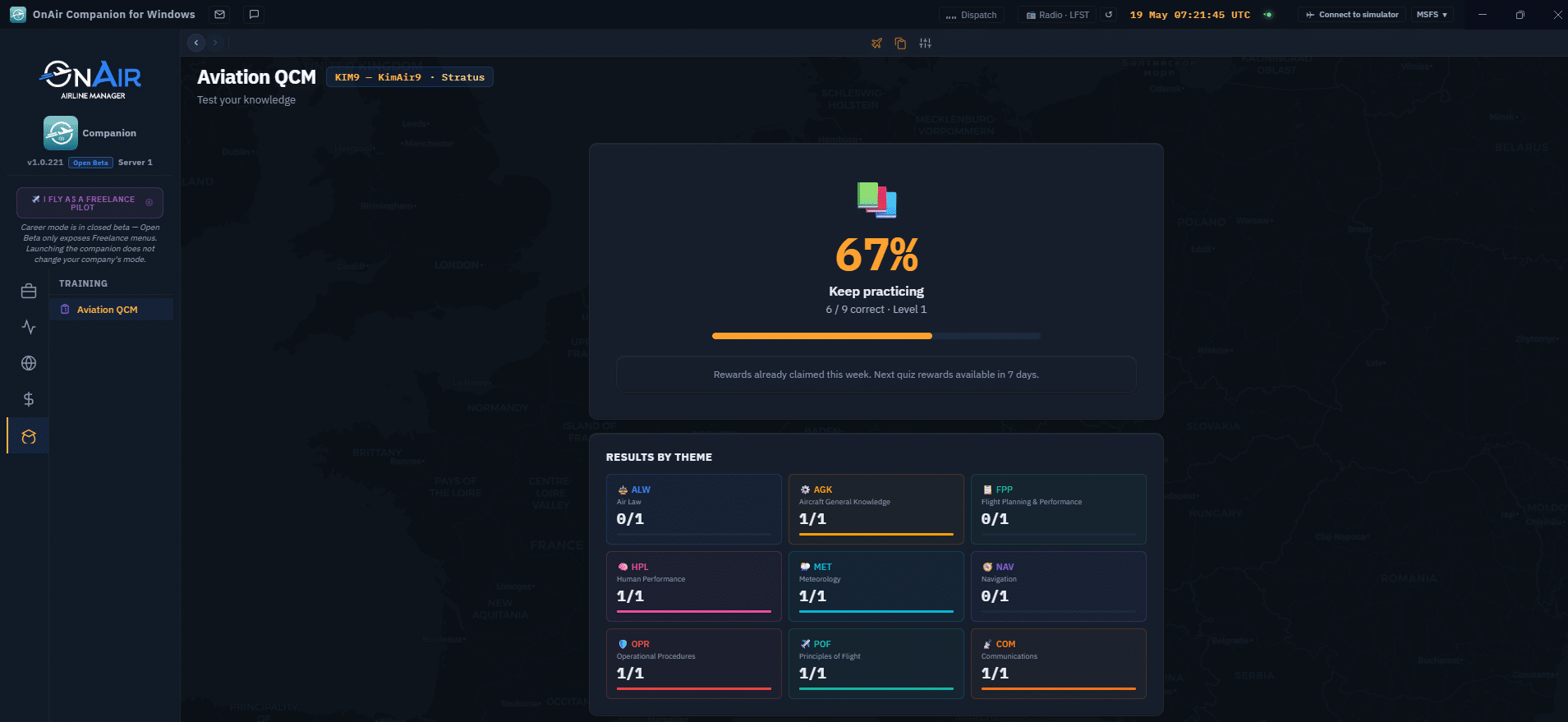
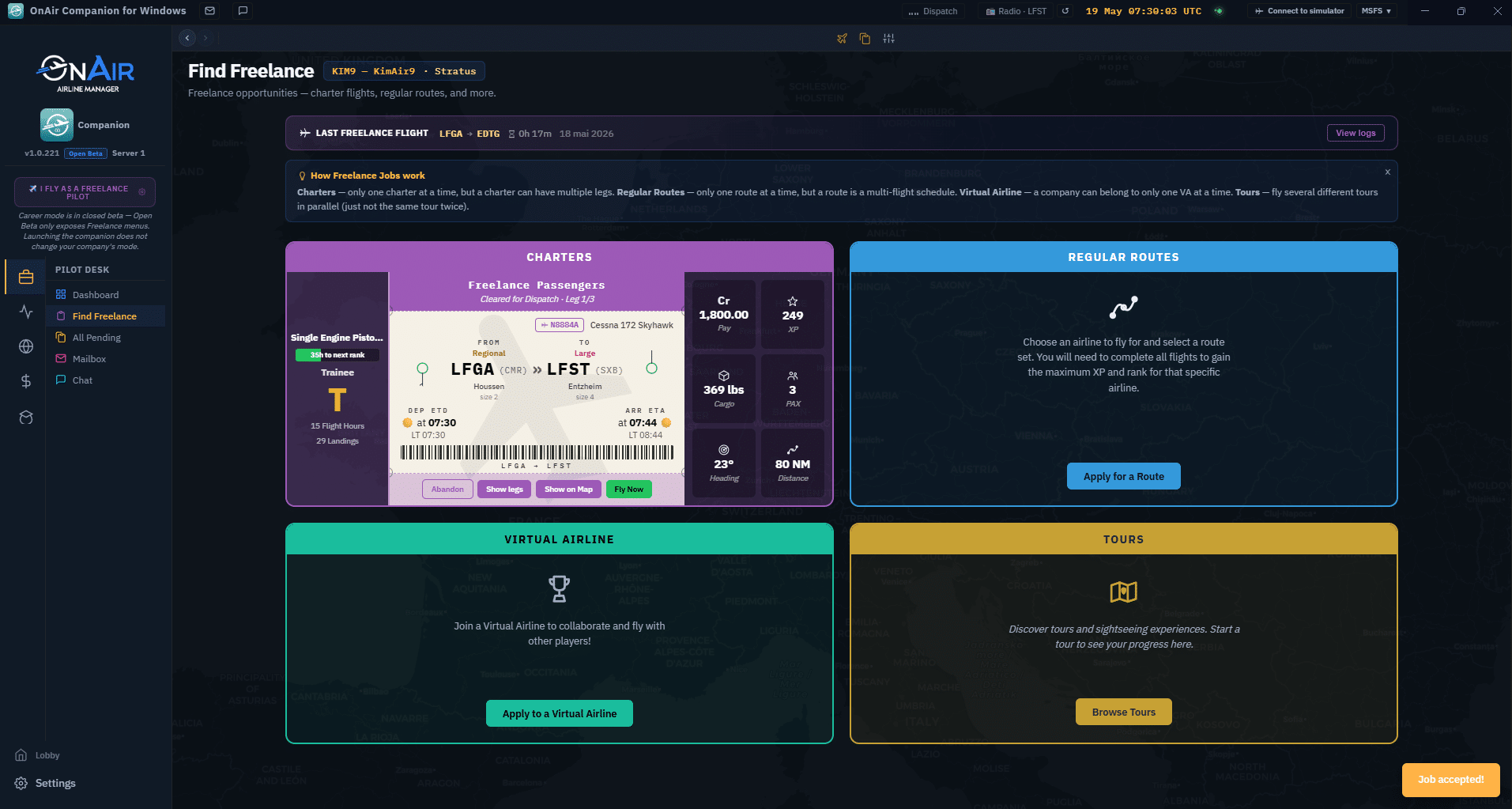
Find Freelance
Choose between charter flights, regular routes, virtual airlines, or guided tours.
×
![]()
FAQ
Where is the beta toggle in the classic client?
There isn't one. The Open Beta is the Companion app itself — it's a separate installer, not a feature inside the classic client. Download the Companion, install it, and you're already in the beta. Both apps run independently and connect to the same servers.
Do I need a password or an invitation?
No. The Open Beta is open to everyone. Just click Continue on the login screen.
Will my company be affected if I use the Companion?
No. Both the Companion and the existing client connect to the same servers. Your company, fleet, and finances stay exactly as they are.
Can I use the Companion and the existing client at the same time?
Yes. You can switch between them freely — there is no migration and no second account.
How do I report a problem?
Through our support platform. The Open Beta is fully supported and our team is available to help if you encounter any issue.