This article describes the process of account creation.
1) Go to https://onair.company/my-account/ and click on register

2) Complete the form:

2) The following dialog will be displayed, asking you to confirm your email address:

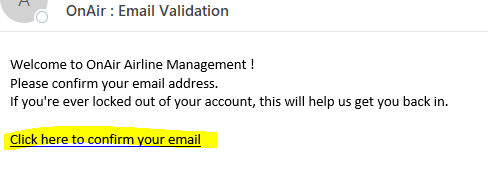
3) Check your email (this can take a minute) and click the link to confirm your email address:
4) Your account page will open and displays the successful confirmation of your email address:

A 7-day trial key will automatically be credited to your account. The Free trial starts when the registration process is completed:

If you haven’t received your email, make sure to check your spam / junk folders to see if the activation email was filtered.
If you still haven’t received the email after 24 hours, please submit an official support ticket: https://support.onair.company/


