
Build Your Freelance Routine
Your first paid flight proves that the connection, dispatch and registration workflow works. The next goal is to repeat it comfortably and choose activities that fit your time. This chapter is also a stopping point: you can remain a Freelance pilot without taking on company management.
Step 1. Start each session from your current commitments
Open Freelance Job before searching for more work. Inspect the charter, regular-route, VA and tour cards. Identify the next leg, its departure and the aircraft you will need. Resume a tracked flight where appropriate; do not accept new work as a way to recover an interrupted one.
Open Pending Jobs for the accepted-work list. Distinguish work already accepted from offers on a browsing page. Read the actual deadline or programme condition attached to each activity.
Step 2. Use the map to prepare the next sector
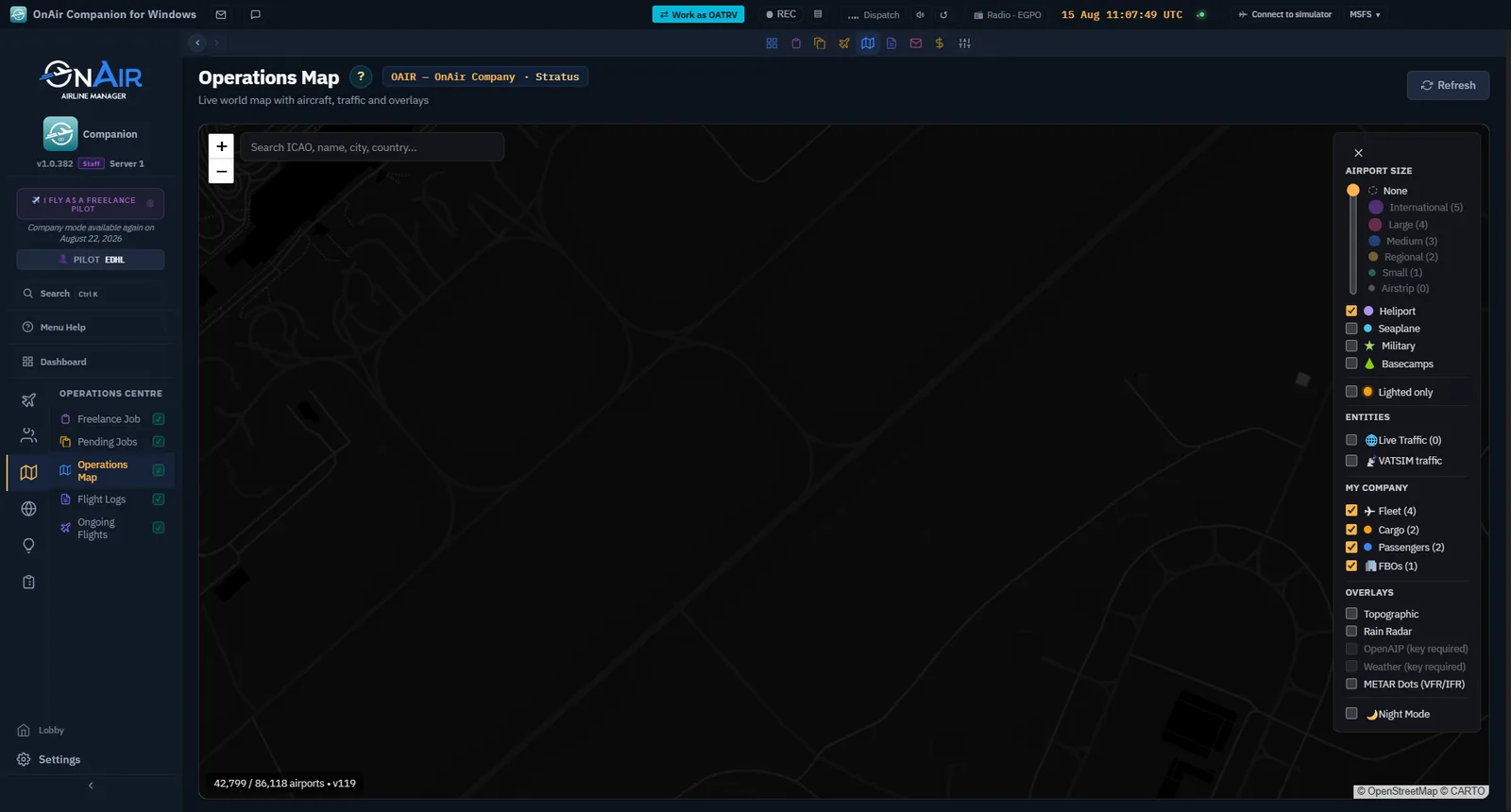
Open Operations Map. Locate the departure, destination and your current activity. Use airport details to check the intended location before returning to dispatch. Filters determine what is visible: an empty filtered map does not prove you have no jobs.
Step 3. Review the flight you just completed
Open Flight Logs, locate the correct date and route, and inspect its details. Compare the recorded result with what happened during the flight. Confirm registration before assuming a flight earned its reward.
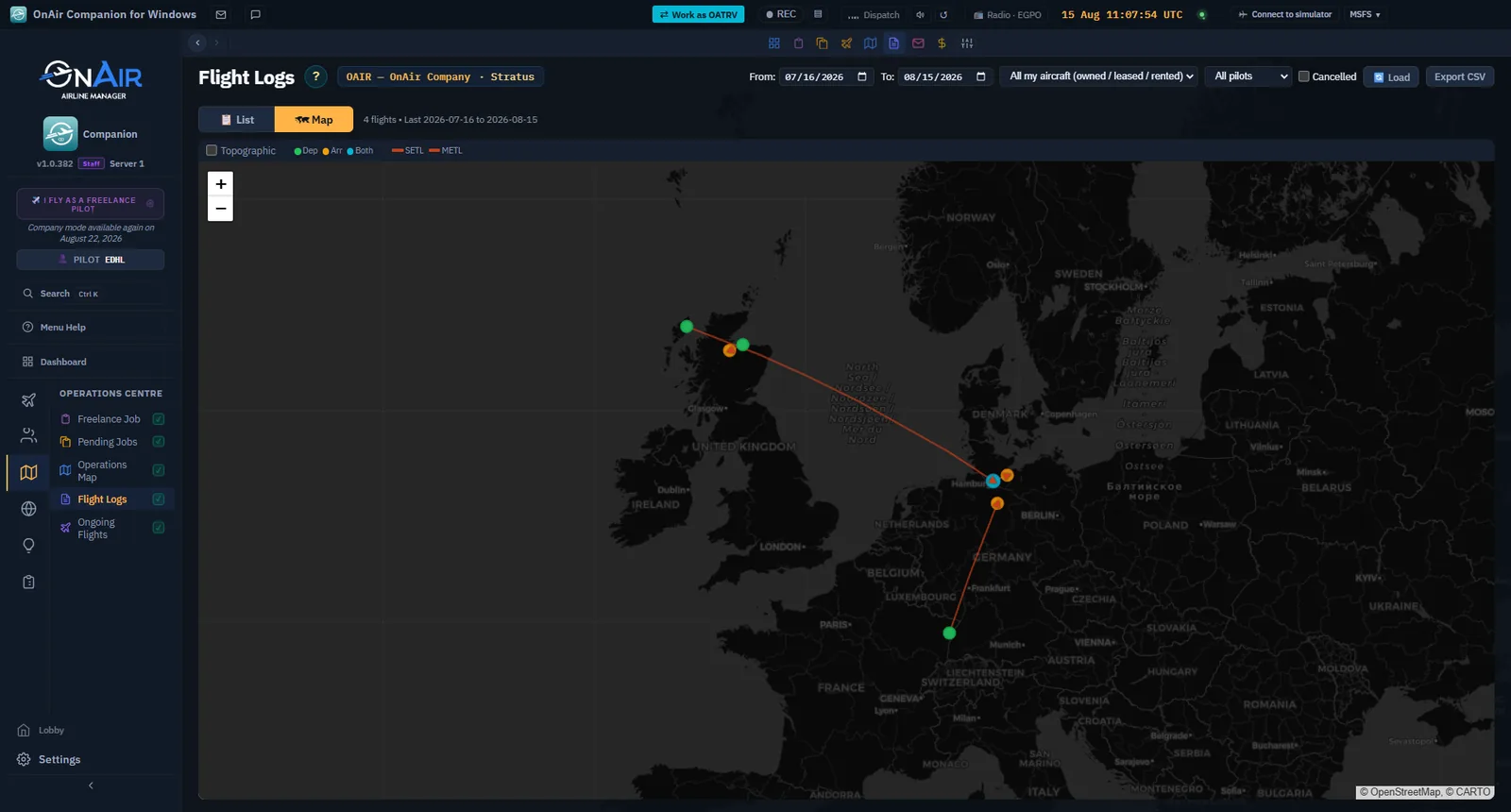
CAPTURE TO COMPLETE — real flight required, RT-03. After completing the chapter 3 charter or chapter 4 route, capture its row in Flight Logs and its detailed result. Show the same route and date in both images. Record any warning or penalty actually received.
Step 4. Check messages and progression
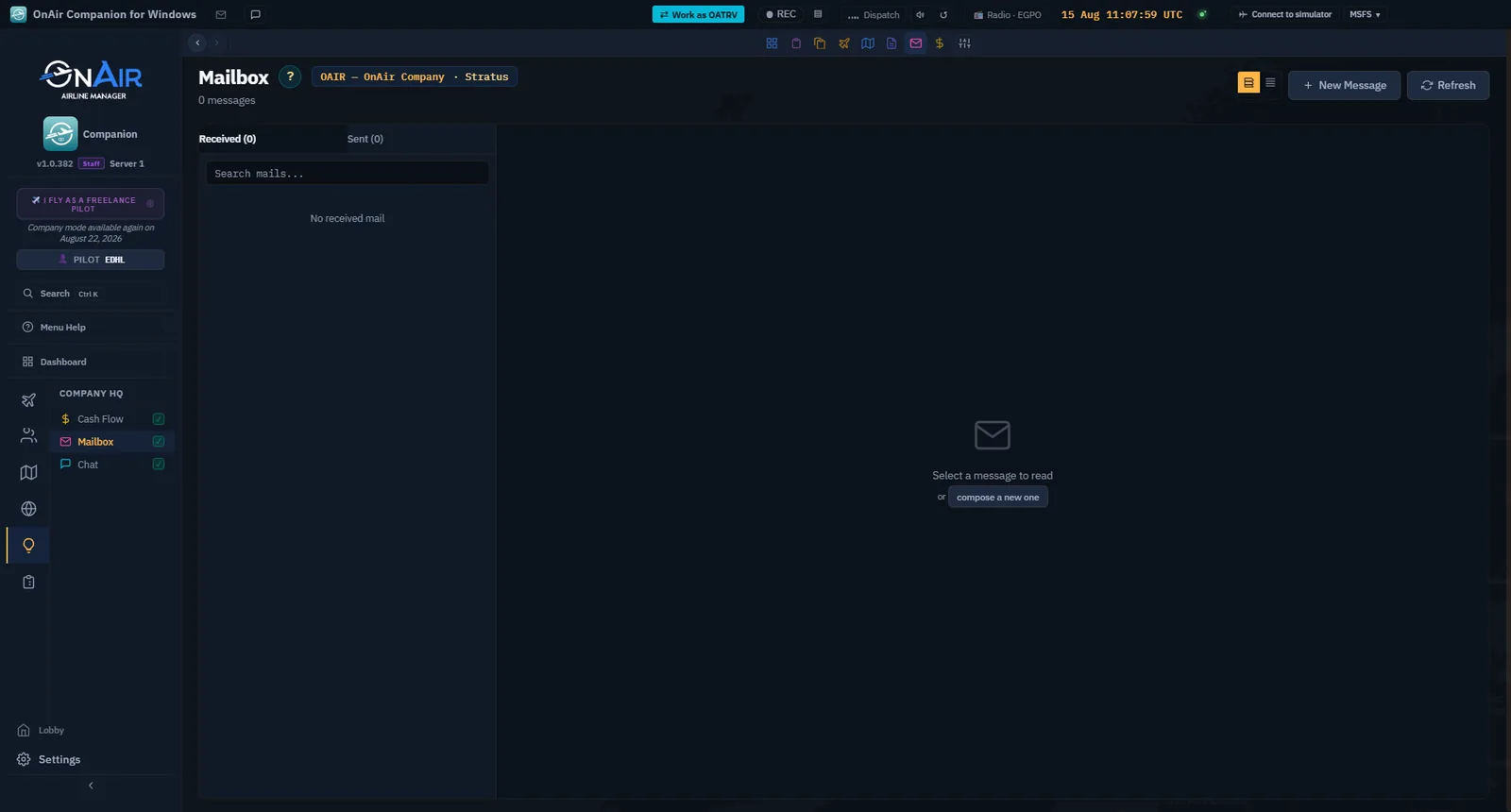
Read Mailbox for operational notices and follow relevant links. A message is evidence about a particular event, not a substitute for checking the current aircraft or job state.
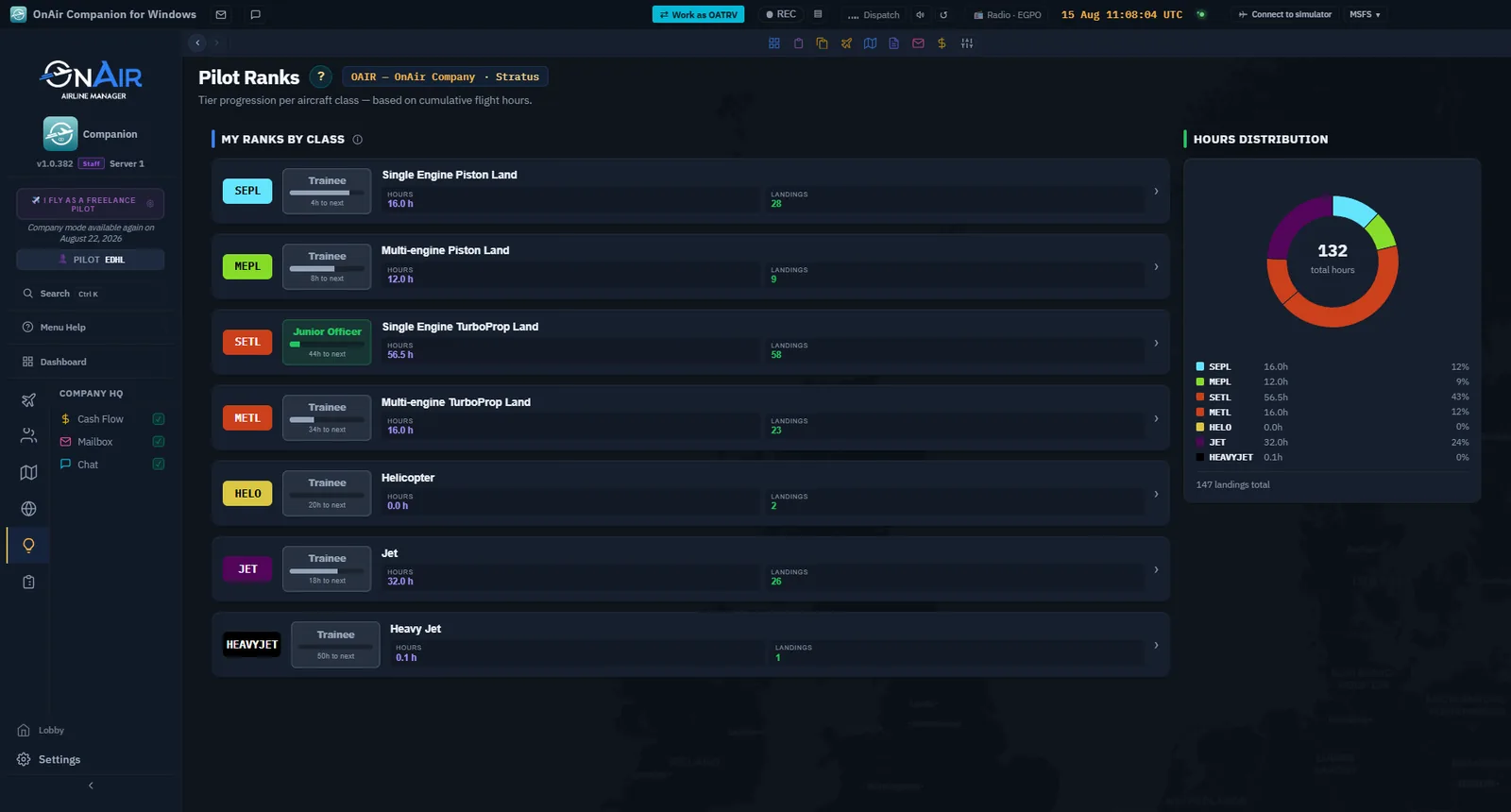
Inspect the rank display associated with your activity. Keep the distinctions between pilot qualifications, Freelance progression and company growth in mind: a Freelance reward does not automatically provide every aircraft-class certification needed in Advanced.
Checkpoint: you know where to find the result of the previous flight and what activity you can sensibly do next.
Step 5. Make the interface comfortable
In Settings, inspect Preferences for language, units and presentation. Pick units you can read consistently in your aircraft, then recheck fuel and weight labels in dispatch. Do not copy a number from a screenshot while ignoring its unit.
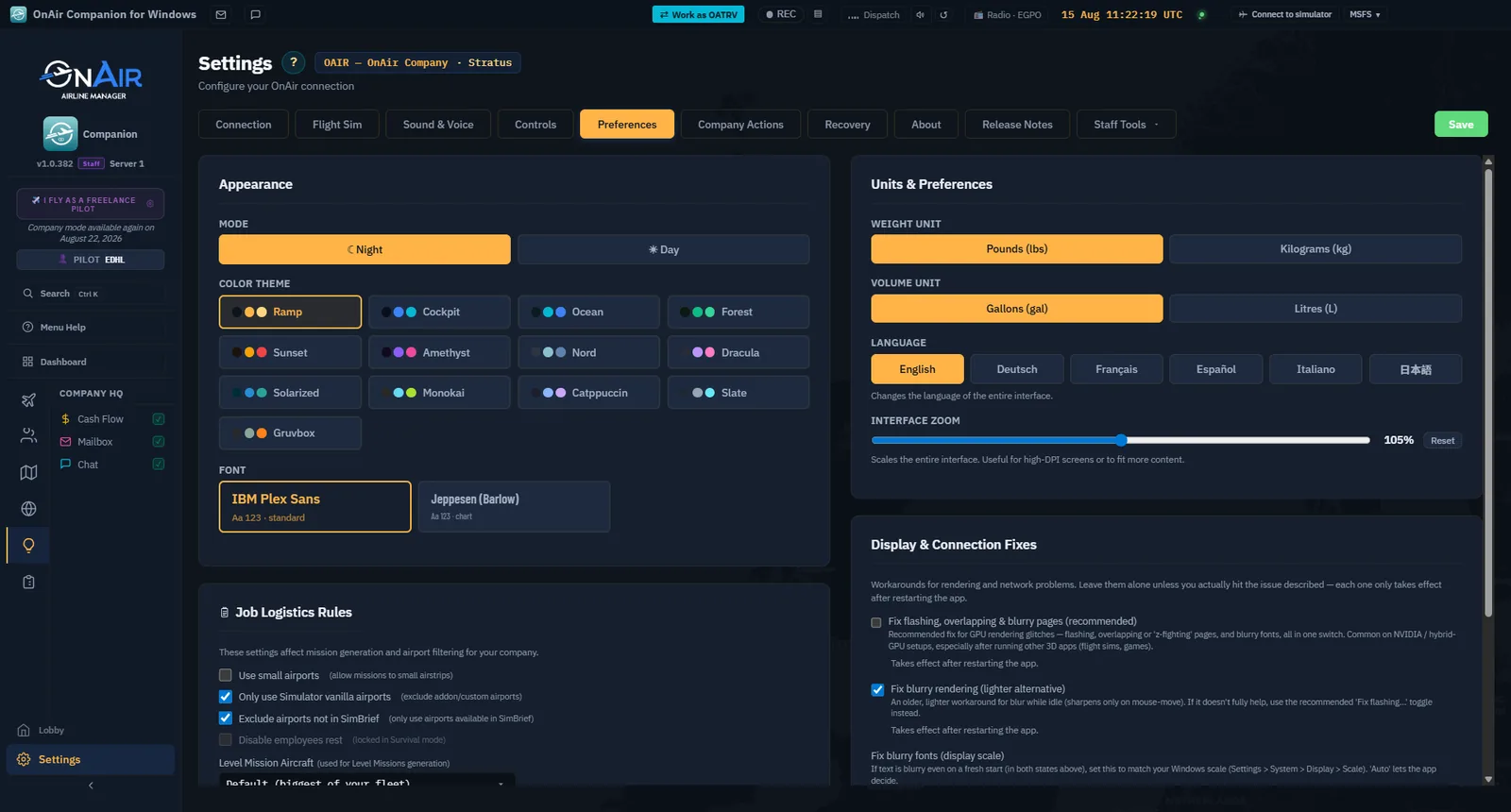
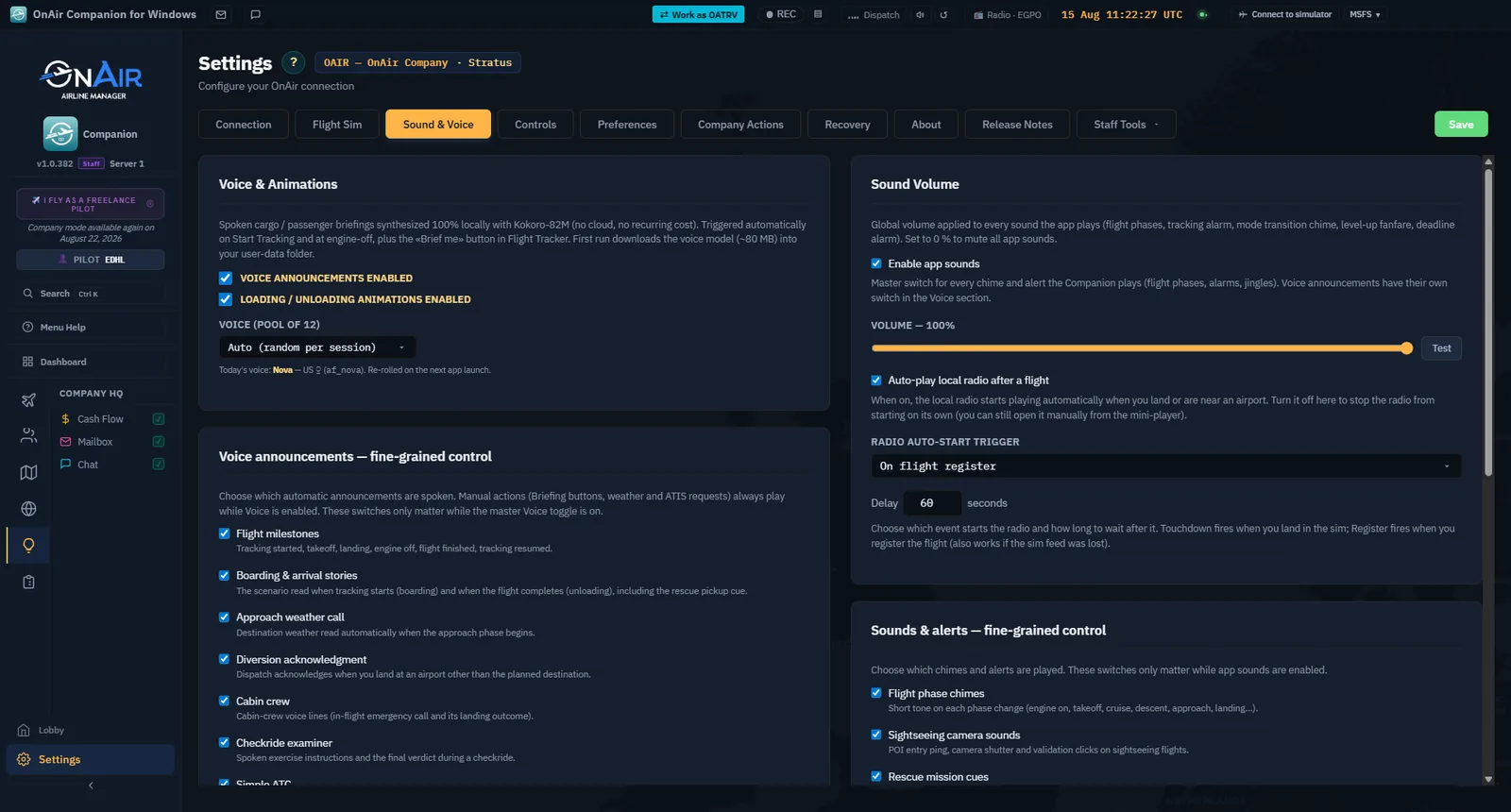
Inspect Sound & Voice for the audio you want to hear. Test it before a flight rather than discovering during an event that an important notification is inaudible. Controls can move between releases; use the current labels in your installed Companion.
For interrupted or unregistered flights, read the available Recovery information and choose the matching record. Deleting a recovery record is not the normal way to resume tracking.
Step 6. Try an optional activity
Choose one optional branch, not all of them at once:
- Tours: open Browse Tours from the hub, read a tour's description and starting location, then inspect its legs before starting. Plan any necessary positioning and read the cost before spending a travel token.
- Virtual airline: inspect an available VA and its membership conditions. Joining as a pilot is different from administering a shared company; the advanced collaboration chapter covers that later.
- Training: use the available learning and qualification tools to understand an aircraft class or an unfamiliar procedure. Follow the actual prerequisites displayed for the selected exercise.
CAPTURE TO COMPLETE — flown activity required, RT-06. For one selected tour, capture its description and chosen leg before the flight, then fly and register that leg and capture the changed progress. For a VA example, use an authorised membership and assigned flight; show assignment, completion and result without exposing private member communications. These are optional learning branches, not prerequisites for switching mode.
Step 7. Choose your next path
Stay in Freelance if you want supplied aircraft and flight-by-flight commitments. Continue to Advanced when you want to acquire aircraft, hire people and organise company operations, and have time to manage the resulting commitments.
Before continuing, make a short list: aircraft you can already fly, a region you know, typical session duration and funds available. Those four facts become the starting plan in the next chapter.