
Monitor and Improve Industrial Operations
Once a line is operating, review what limits its next cycle before adding another machine. More equipment increases output only if materials, workers, food, connections and collection capacity can support it.
Step 1. Open the Industries Dashboard
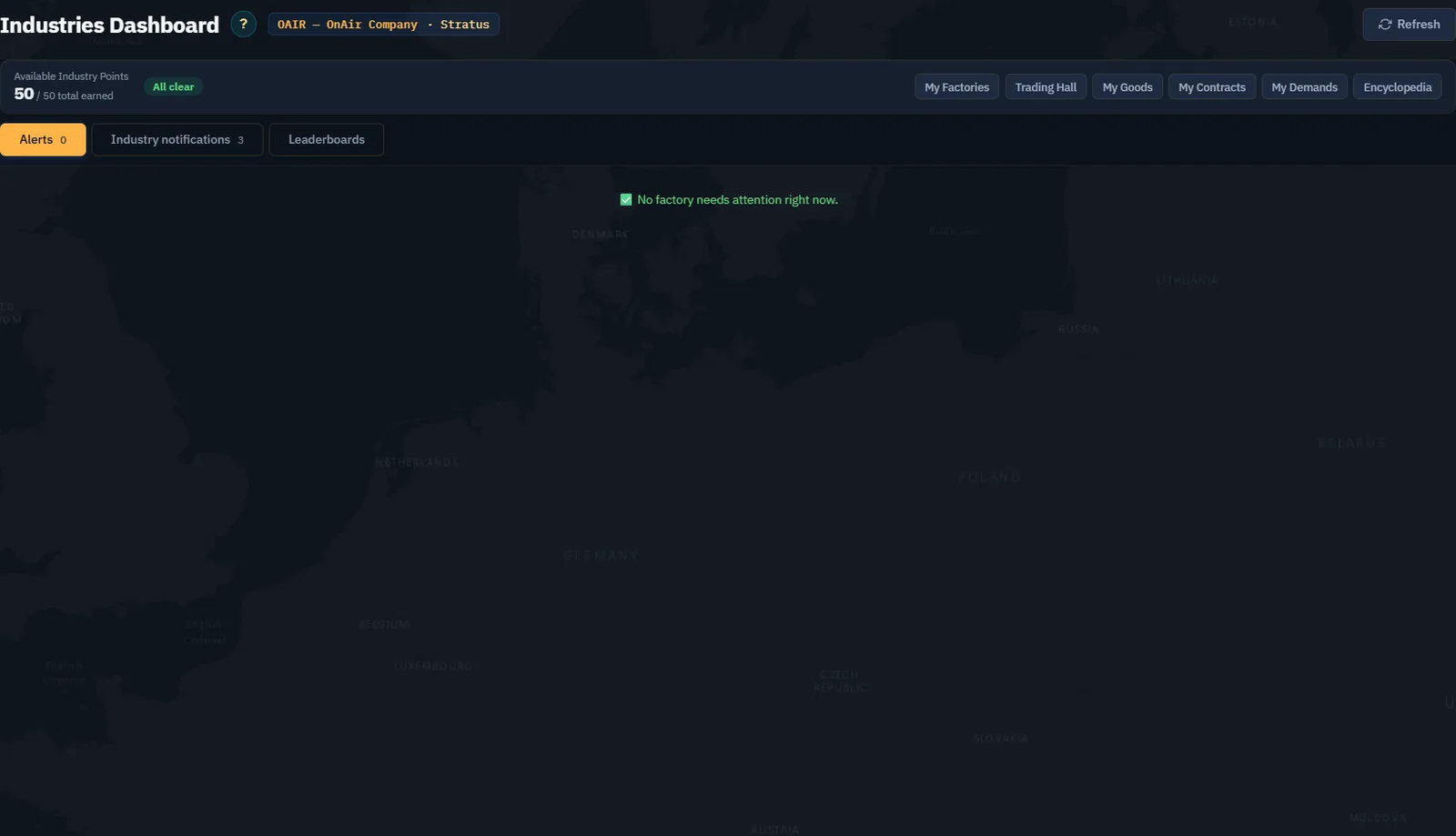
Read available and total earned Industry Points, then the alert count. In this tutorial the dashboard shows 50 / 50 total earned and no current alerts.
Step 2. Resolve the actual blocking reason
For a production alert, use Manage to reach the named factory. Read the machine's state and log. Check construction, recipe, staff, food, inputs and output capacity in that order. Buy only what resolves the identified shortfall.
The dashboard distinguishes a halted machine from low materials, tired workers and container alerts. Two alerts can describe one cause: an empty supply container can explain the downstream machine's halt. Resolve the upstream shortage before treating them as unrelated failures.
Step 3. Understand stock alerts
An end-of-line container filling up suggests goods are not leaving quickly enough. A supply container being full can be intentional; a mid-chain buffer reflects different conditions. Inspect where the container sits in the chain before changing capacity or alert settings.
Use the container's settings to review its output mode and alert preference. Do not silence a warning merely to clear the dashboard. Verify that storage, sale or transport is doing what you intended.
Step 4. Read fatigue and food together
Low worker efficiency calls for a relief plan, while insufficient rations calls for food at the airport. A replacement already in transit needs time to arrive. Check current staff and pending relief before ordering another group.
For food, compare available stock with all active workers at that airport and the replenishment interval. Keep enough margin for delivery delay rather than replenishing only when the count reaches zero.
Step 5. Compare theoretical and actual output
Use the Encyclopedia's nominal recipe as the baseline and the machine log as evidence of actual cycles. Calculate how much usable output appeared over a defined interval and identify idle time. Construction time and replenishment gaps must not be counted as full-speed production.
Screenshot placeholder IM05 — measured production review. After the first real cycles, capture the machine log, input/output stock and IP change over a stated interval. Explain any gap from the nominal rate. Do not treat the planned 1,400 weekly rations as already produced.
Step 6. Improve one constraint at a time
If inputs are repeatedly empty, improve delivery before adding output storage. If output remains full, improve collection or sale before adding machines. If workers are the constraint, address food and relief. Recheck costs before upgrading the factory tier.
Wait for the normal server update after a change. Refreshing continuously does not accelerate production. Use Industry notifications to follow events and references; use leaderboards as examples of scale, not proof that copying another company's layout will suit your own logistics.
Step 7. Keep the site active
Read the factory's activity state and any removal deadline. Review idle sites deliberately instead of forgetting construction drafts. Before any dismantling, examine the confirmation and consequences for assets and goods; this tutorial does not dismantle its Food Mixer or factory.