
Plan Basecamps and Maintain Owned Airports
An FBO, a basecamp and an owned airport are different things. An FBO is a facility at an airport. A basecamp creates a small operating location from an aircraft carrying a construction kit. Owning an existing airport creates another set of rights, income and recurring kit requirements.
Step 1. Choose the feature that meets the need
Use an FBO for facilities at an existing field. Investigate a basecamp for a genuinely remote operating location. Investigate airport ownership when its costs and traffic model fit your network. Do not buy an Airport Ownership Kit expecting it to be a Basecamp Construction Kit.
Step 2. Check basecamp eligibility
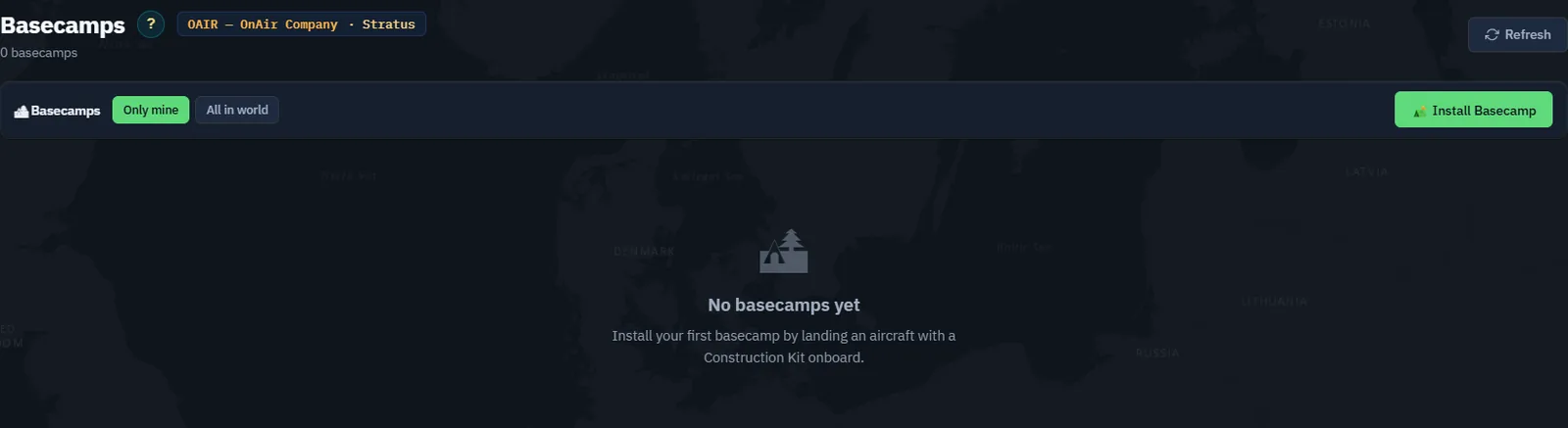
Open Basecamps and read your quota before planning deployment. The company's level limits the number it can own. Basecamps remain size 0, so verify aircraft compatibility rather than treating them as unrestricted airports.
Step 3. Prepare and fly the construction kit
Find the correct kit in Trading Hall and plan its delivery to a suitable aircraft. Verify its full weight in dispatch. Fly to the intended site, respecting the game's separation from existing airports and the aircraft's landing requirements.
After landing with the kit aboard, open Install Basecamp. Verify the selected aircraft, actual position, placement and exclusion circles, elevation, orientation, six-character identifier and name. Read the current validation messages before installation. The kit is consumed by successful deployment.
Screenshot placeholder RS03 — actual deployment flight. Capture kit loading and weight, real arrival at the site, the valid installation form and the created basecamp. This requires a simulator flight; do not create an imaginary remote location from an unrelated airport screenshot.
Step 4. Inspect the created site
Open its detail page and verify owner, coordinates, elevation and aircraft. If configuring scenery, preview it in the simulator and keep objects within the allowed area before saving. Then plan fuel, supplies and any FBO/workshop facilities separately.
Screenshot placeholder RS04 — usable remote base. Show the same site after deployment, the aircraft present and any facilities actually built. Do not imply that a basecamp automatically includes a fuel tank or workshop.
Step 5. Review an existing owned airport
Open Owned Airports. Our existing example is EGPR — Barra, size 1, with 11 Airport Ownership Kits on site and a weekly rent of two kits. The next displayed payment is 15 September 2026 at 13:29 UTC.

Check the on-site stock against the due date. Kits at another airport do not satisfy this payment. Replenish before the reserve runs out and investigate any at-risk status immediately.
Step 6. Read the income correctly
The capture shows 16 AI flights and an estimated next subsidy of 960 Cr. Passenger and cargo counters are displayed for information; the page explicitly says the subsidy is based on flights. Do not multiply all traffic counters into additional income.
Compare the recurring kit cost and transport with actual receipts. Owning more airports creates a supply obligation at each location. Keep those obligations in Chapter 26's routine review.
Step 7. Keep release and deletion deliberate
Release hands back an owned airport. Basecamp deletion has its own quotation and migration consequences for aircraft, people and facilities. Read these actions as real changes to the network, not as preview controls. No release or deletion is part of this exercise.